One desk, from the first request to the last report
Follow a request through ITSM Engine: how it arrives, who sees it, what the rules do, and everything around it, from incidents to the API.
Requests arrive the way your customers already work
Forms on your own website, branded portals, replies to the desk’s emails, calls and walk-ins logged by an agent, the REST API and AI assistants. Every request becomes a case in the right unit, with the right brand.
- Forms in browser mode, or signed with HMAC from your backend
- Portals where contacts sign in with a code sent by email
- Email replies land on the case, without the quoted text and signature
- New case for phone calls, walk-ins and everything else
However they start, they all land in one inbox.
One inbox for everything that needs an answer
Agents work from views with live counts: all open, assigned to me, unassigned and due soon. Each case has its conversation, internal notes, status, priority, assignee and labels in one place.
- Saved views, filters, search and bulk actions
- Replies and internal notes in Markdown, with canned replies
- Signatures from the brand the case belongs to
- Merging, and a warning when someone else is on the same case
Before anyone opens a case, the rules have done the sorting.
Routine work happens by itself, and nothing waits too long
Automations read as sentences: when something happens to a case in a unit, if it matches, then act. Service levels put first-response and resolution due times on every case, counted in business hours if you like.
- Triggers: a case is created, the customer replies, or on a schedule
- Route, label, prioritise, assign and escalate
- Targets per priority, set per unit and inherited down the tree
- Agents see what is due soon and what is late
A rule only ever sees its own unit. So do people.
Business units decide who sees what
An installation holds organizations, each a tree of units: brands, departments or teams. Every case, form and portal belongs to one unit. Agents see their units and everything below them, and nothing else.
- One server-side access scope for every list, search, count and export
- Cases restricted to staff in certain countries, admins included
- API tokens and AI assistants never see more than their owner
- Two-factor sign-in for admins, with TOTP or passkeys
Each unit can face its customers under its own name.
Every brand gets its own front door
A brand holds the name, logo, colours, sender address, signatures and privacy links. Portals, case pages, hosted forms and emails use the brand of the unit the case belongs to, never the product’s own.
- Portals with request types in categories, on their own domain if you like
- A choice of header, cards or a list, and corners, with a line icon for every request type
- Forms hosted by the desk, or embedded on your site with embed.js
- English, Norwegian, Swedish and Danish, with a live preview
Behind every portal sign-in is a contact, and behind most contacts an account.
Each customer at a glance
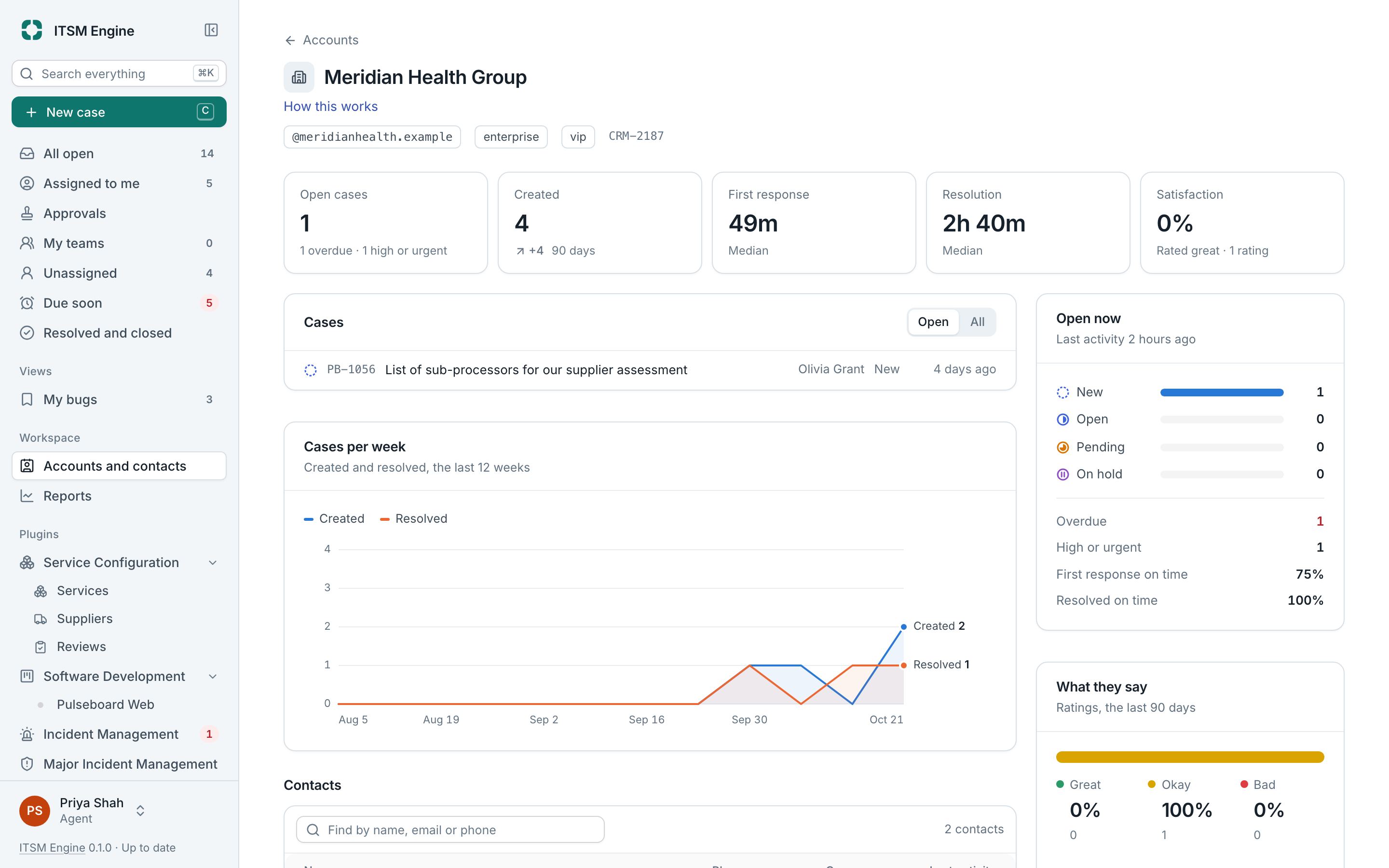
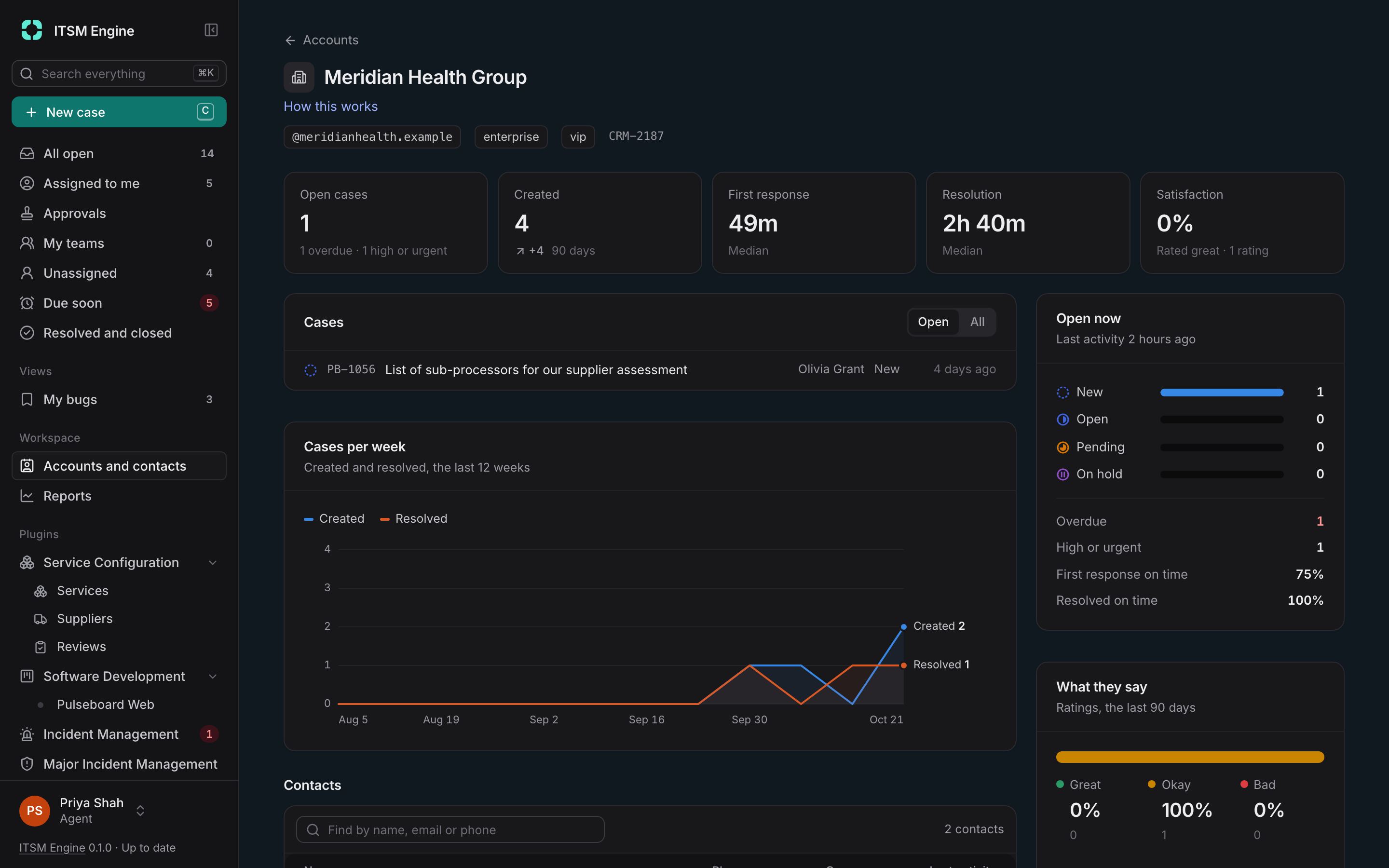
An account opens with its numbers: open cases and what needs attention, response and resolution times, satisfaction, each against the 90 days before. Next to them are its cases, contacts, agreements and the services it uses.
- Agreements from templates, signed by a contact with a code sent by email
- Access to an account’s cases limited to staff in certain countries
- Properties of your own on accounts, contacts and cases
When something breaks for everyone, the portal is where customers look first.
When it’s bigger than one case
Declare an incident from a case, link everything it causes and update every requester at once. Priority comes from impact and urgency, with targets, resolution codes and a review afterwards. Major incidents add the roles, procedure and stakeholder updates the biggest ones need.
- Incidents, P1 to P4, with a commander and a timeline
- Major incidents with a manager, communications and technical leads
- A status page on your portal, followed by email
- Customers see the public title and your updates, never internal notes
Behind most incidents is a cause, and a change that fixes it.
The rest of ITSM, without the weight
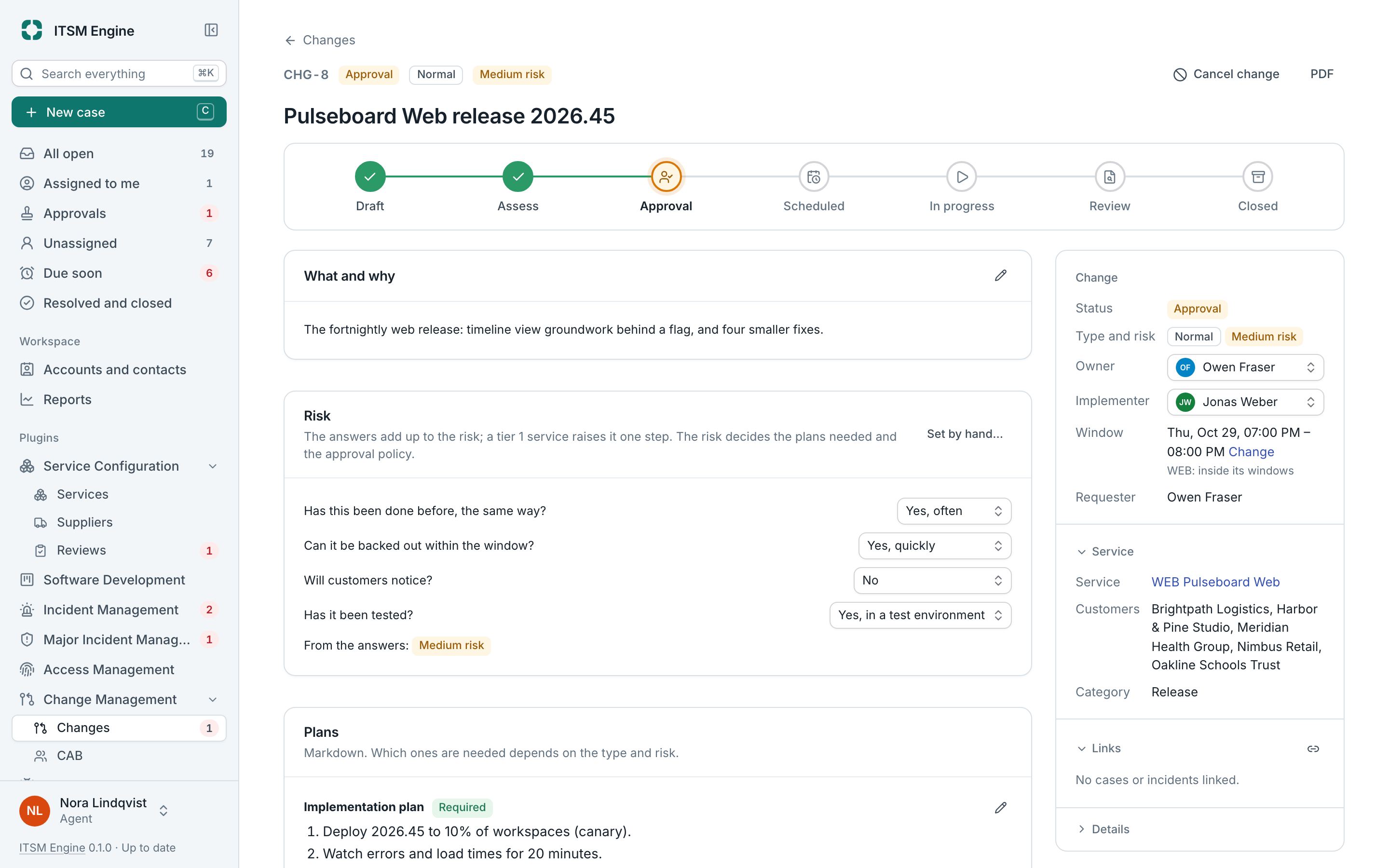
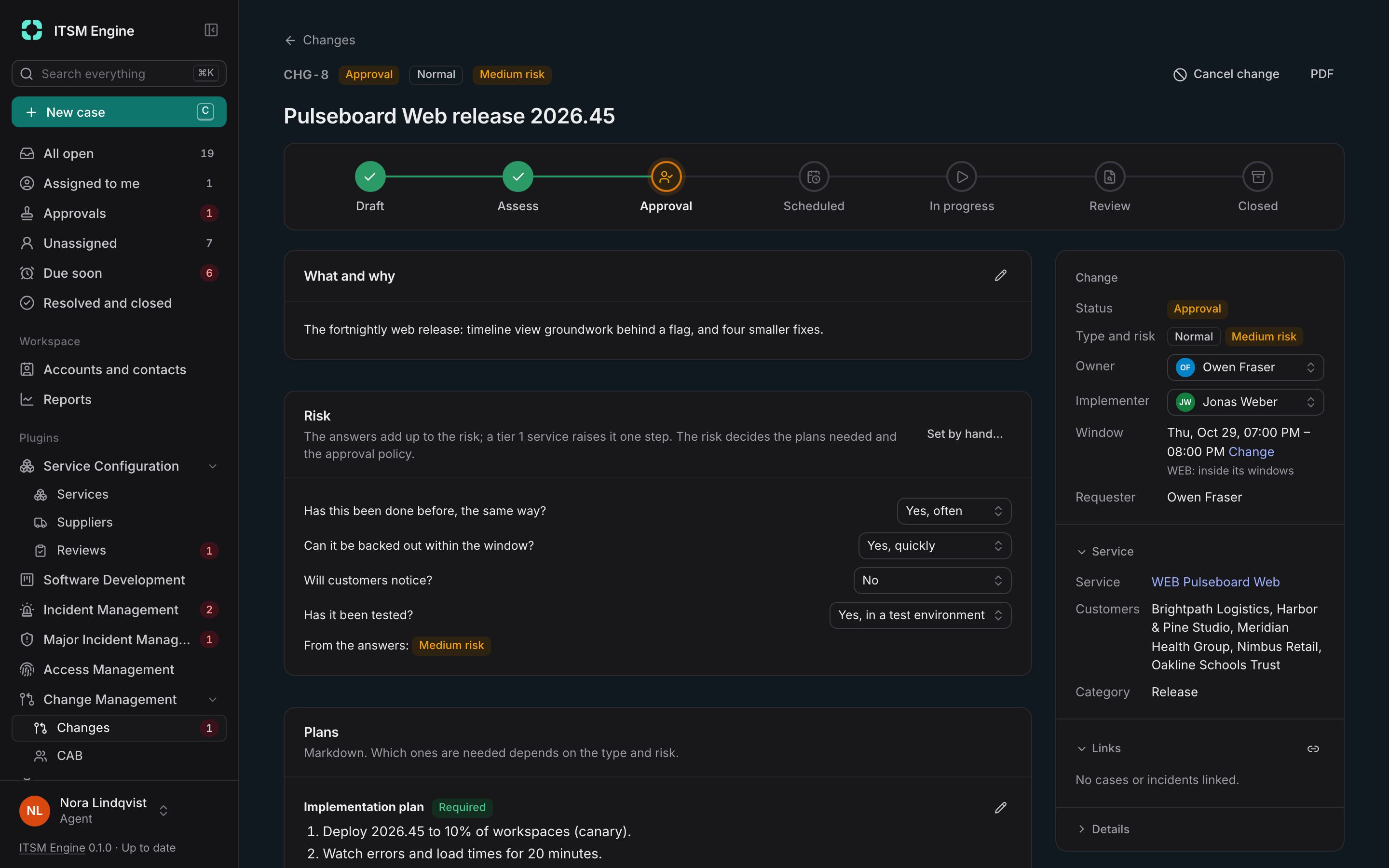
A service catalogue with owners, dependencies and health. Problems that find the cause behind incidents and keep known errors agents can search from a case. Changes judged for risk and approved by policy, stage by stage, with a CAB when it’s needed.
- Services with offerings, suppliers, service hours and regular reviews
- Approvals from people, the service owner, the CAB and the customers who use it
- Change windows, freezes and reviews after the change
- Approvals in one list: what waits for you, and yours waiting for others
Some fixes are code someone has to build.
Developer work, linked to the people waiting for it
Projects with boards of bugs, features, tasks, improvements and epics. Link a task to cases, and whoever answers the requester sees how the fix is coming along, and hears when it’s done.
- Kanban, bug tracking, Scrum with sprints, or start empty
- Epics, subtasks and fields of a project’s own
- Access from business units and named people, with project roles
Then you can see whether all of it worked.
Know how the team is doing, and what customers think
Reports show cases created and resolved, first-response and resolution times, and service levels met, for 7, 30 or 90 days against the period before. After a case is resolved, the requester is asked how it went.
- Everyone sees the numbers for the cases they can access
- Great, Okay or Not good in one click, and up to ten more questions
- Choose which units send which survey
And when the auditors come, the evidence is already there.
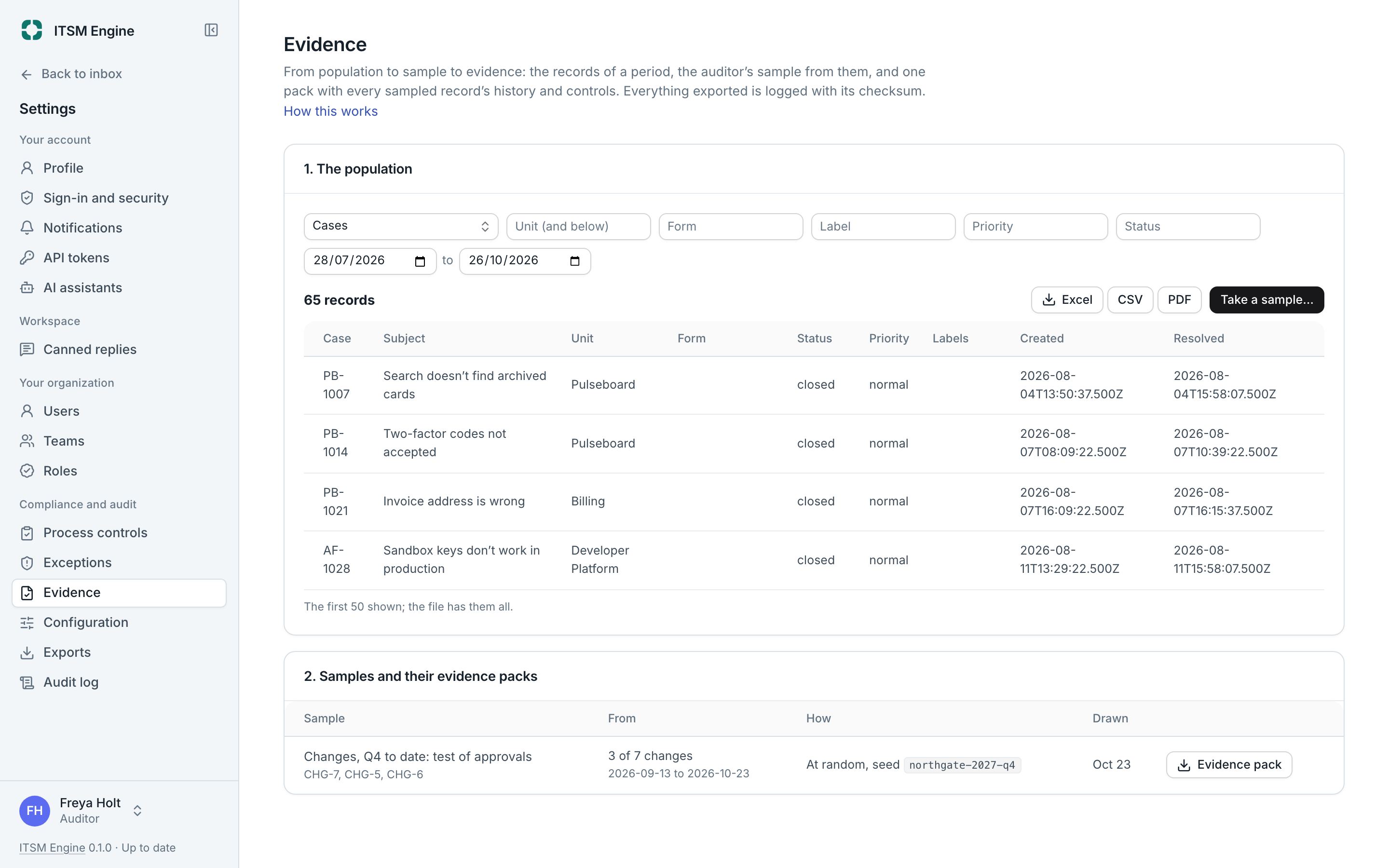
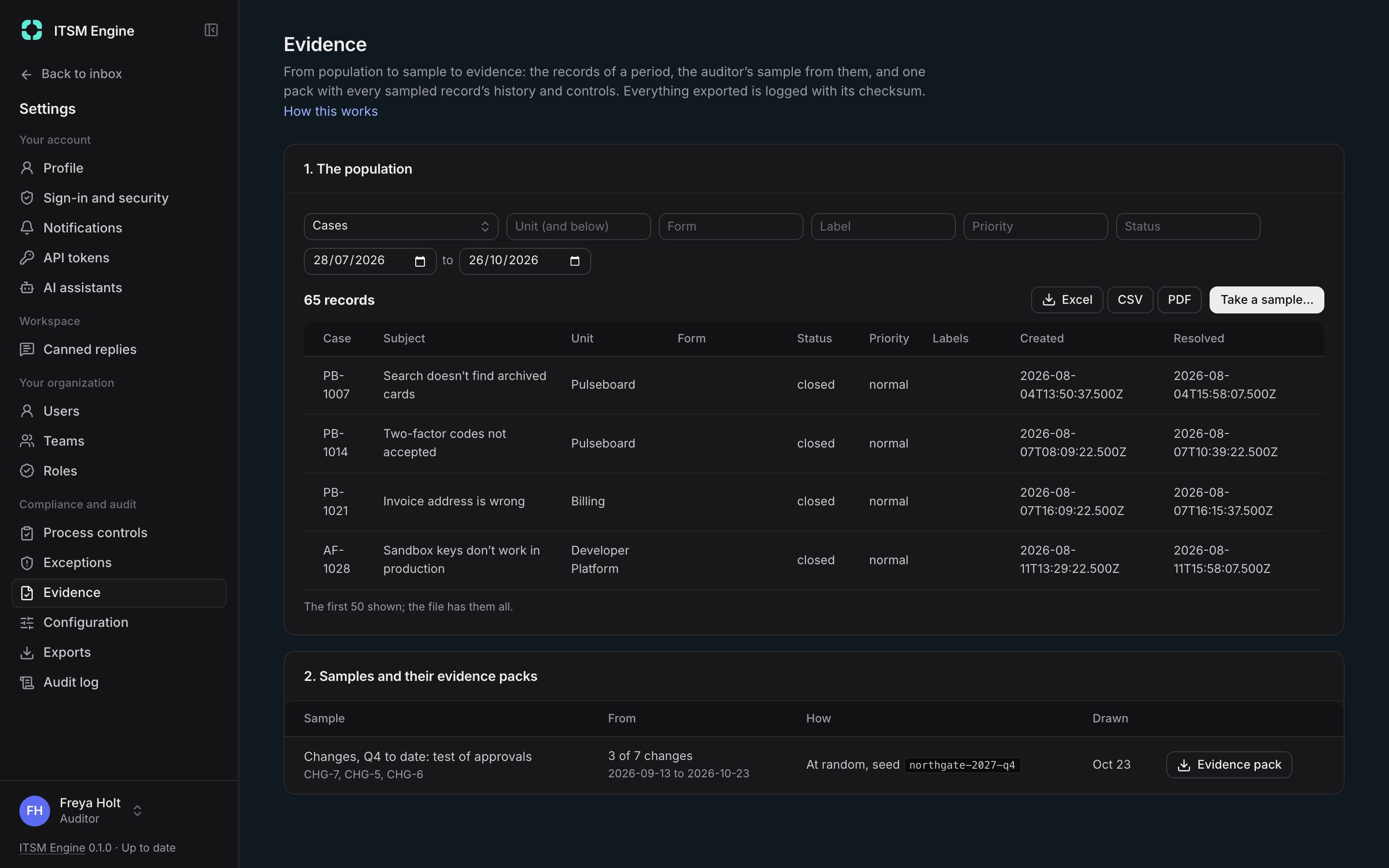
Evidence without screenshots
Process controls check the records they cover before they are resolved, and exceptions get an answer on record. An auditor picks a period, draws a sample, and gets one pack with every sampled record’s history and controls.
- Samples drawn at random with a seed, so anyone can draw the same one again
- Every export logged with who, when, what and its checksum
- An Auditor role that reads everything and changes nothing, with its reading logged
The same cases and numbers are open to your own systems.
Built to work with everything around it
A REST API under /api/v1, described as OpenAPI 3.1. Scoped tokens, limited to a unit if you want. Signed webhooks with retries and a delivery log. And an MCP server, so Claude, ChatGPT and other assistants can work cases through OAuth, as the person who connected them.
- Tokens with scopes and an expiry, stored only as a hash
- Webhooks for case events, signed with HMAC-SHA256
- MCP tools go through the same access scope as the agent
# Scoped token: cases:read, limited to Support
$ curl -H "Authorization: Bearer sdt_…" \
  https://support.example.com/api/v1/cases

{
  "cases": [
    { "ref": "SUP-1042", "subject": "Checkout fails…",
      "status": "new", "priority": "urgent", … },
    …
  ],
  "nextCursor": "…"
}
Need a work area the core doesn’t have? There’s a plugin for it.
Every plugin is free. All of them.
Plugins add work areas not every team needs. They’re built into the desk and stay off until an admin turns them on. There are no editions, nothing to pay for and nothing to upgrade to: the free licence key turns on every plugin.
- Service Configuration, Incident and Major Incident Management, Problem and Change Management
- A status page, Access Management and Software Development
- Turning one off hides it everywhere, and keeps its data
- Build your own with the plugin SDK
And all of it runs on your own server.
Your server, your data
Two ways to run the same desk: start on one server, and grow to several when you need to. Same features in both, and nothing to buy.
- Move from Standard to Scale without moving your data
- Backups, data export and deletion, legal hold and an audit log
Run your own desk
A Linux server with Docker, a domain and two ports open. Build it, start it, and finish the setup in the browser.
- 1Get the source
- 2Fill in
.env - 3Run
docker compose up - 4Open the setup link and add your free licence key